Create an account and sign in
FTF.live accounts are created with Google. There's no sign-up with an email address or a password. The same Login with Google button creates your account the first time and logs you in after that.
Create an account or log in
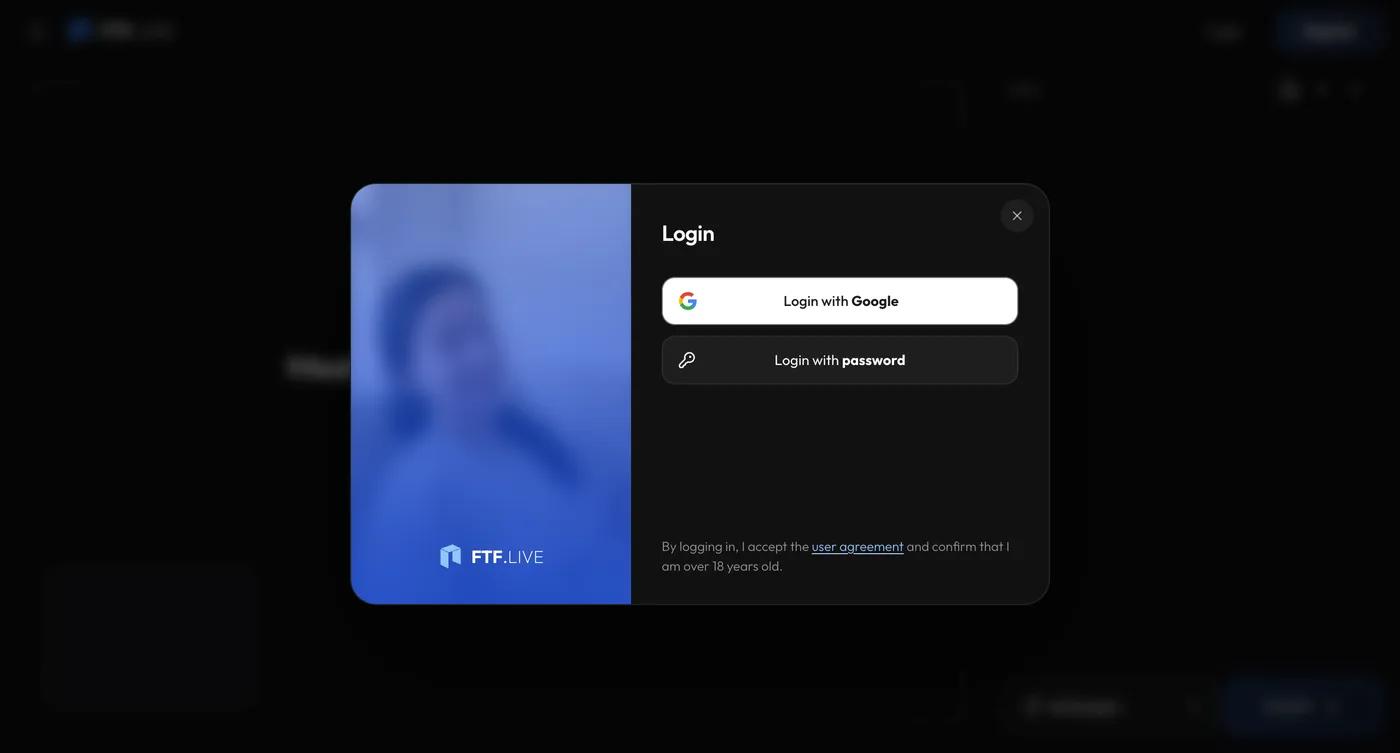
- Open the Login windowPress Login or Register at the top of the app. Both open the same window. On a phone you'll see Login only.
- Choose Login with GooglePress Login with Google and pick your Google account. By logging in, you accept the User Agreement and confirm that you are over 18 years old.
Finish your profile the first time
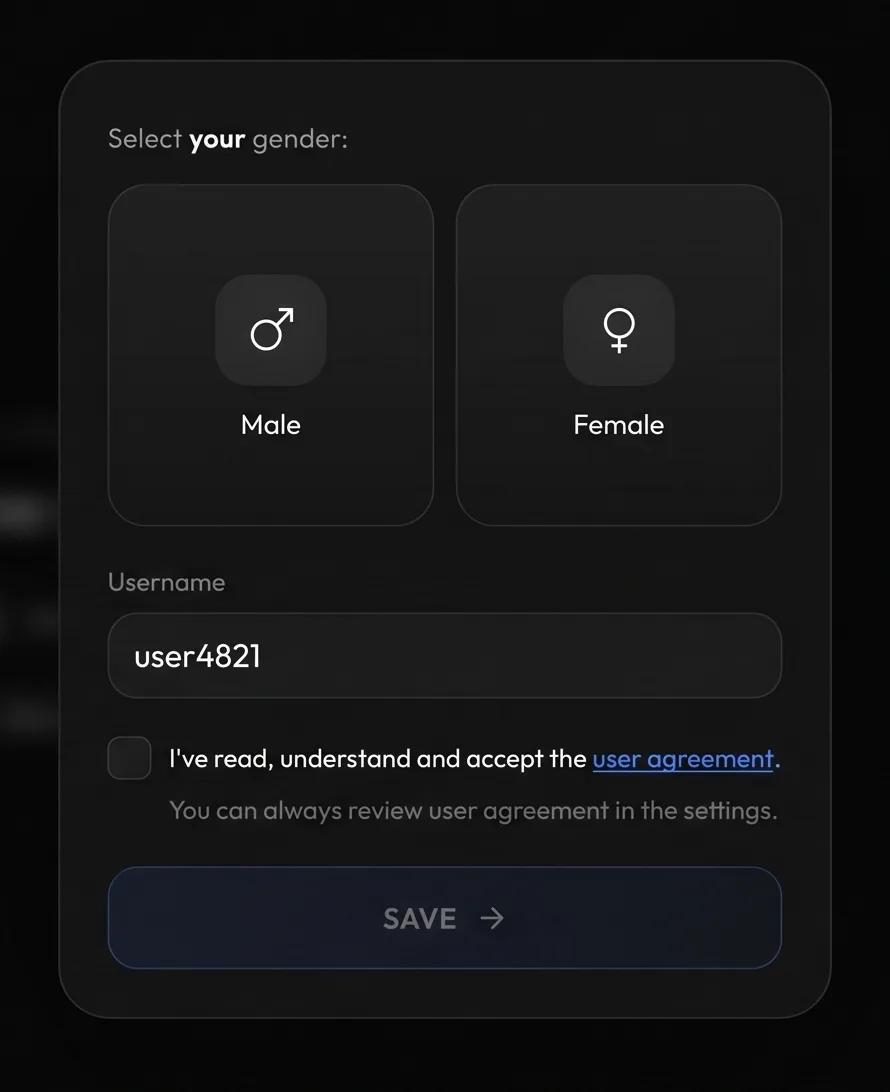
The first time you log in, you'll usually see a short form. It can't be closed until you save it.
- Choose your genderUnder Select your gender:, choose Male or Female.
- Check your usernameThe Username field is already filled in. You can change it here, as long as nobody else uses that name. You can't change it later.
- Accept and saveTick I've read, understand and accept the user agreement. and press SAVE.
Login with password
Login with password is only for accounts that already have a password, and you can't set one yourself. Without one, you'll see "Failed to login. Please use Google Login." Use Login with Google instead.
If you started as a guest
If you started chatting without logging in, you're using a guest account on this device.
- A guest account can't be turned into a Google account. Logging in with Google gives you a separate account.
- Buying Premium or diamonds needs a Google account. If you try as a guest, the Login window opens first.
- After you sign out, there's no way back into a guest account.
- To reach the Login window from a guest account, tap your picture at the top on a phone. On a computer, press Buy Premium at the top and then Get Premium, or choose a paid gender filter.
Signing out
If you logged in with Google, click your picture at the top to open Settings, choose Account and press Sign out. As the screen says: "Sign out of FTF.LIVE on this device. Your account, diamonds and Premium stay." To come back, log in with Google again.