Start your first video chat
You can start a video chat on FTF.live in under a minute: turn on your camera, press START and say hello. You can usually start as a guest, without signing up.
Open the video chatStart a chat
1. Turn on your camera and microphone
Open the video chat. If your camera is off, press Turn on camera. Your browser asks for the camera and the microphone together. Allow both, because FTF.live needs both. Pressing START first asks for them the same way. If your browser has blocked them, Camera access is blocked opens; allow both, then press Try again. If the camera won't start, the camera and microphone fix guide walks you through the common browsers.
2. Press START
When you can see yourself, press START. On a computer you can also press Space. On a phone, you can swipe left.
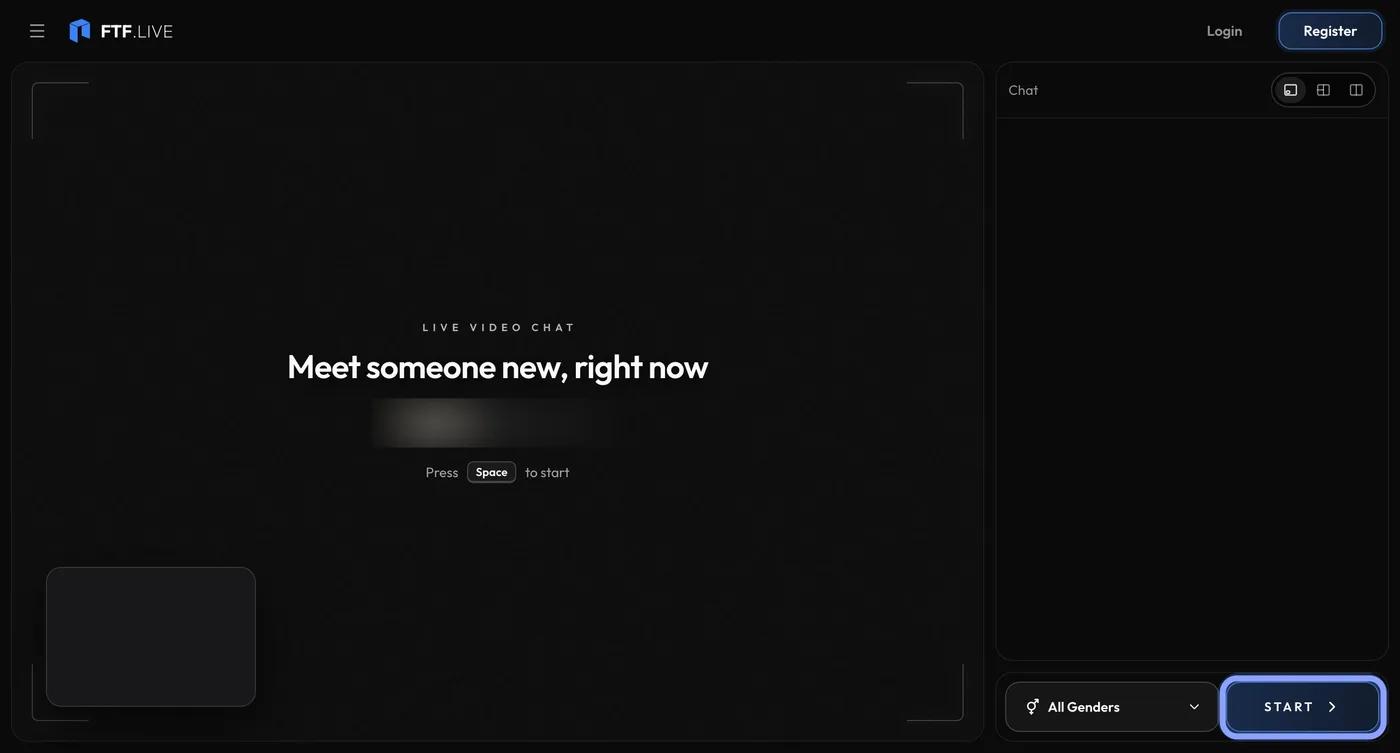
3. Choose your gender if you're a guest
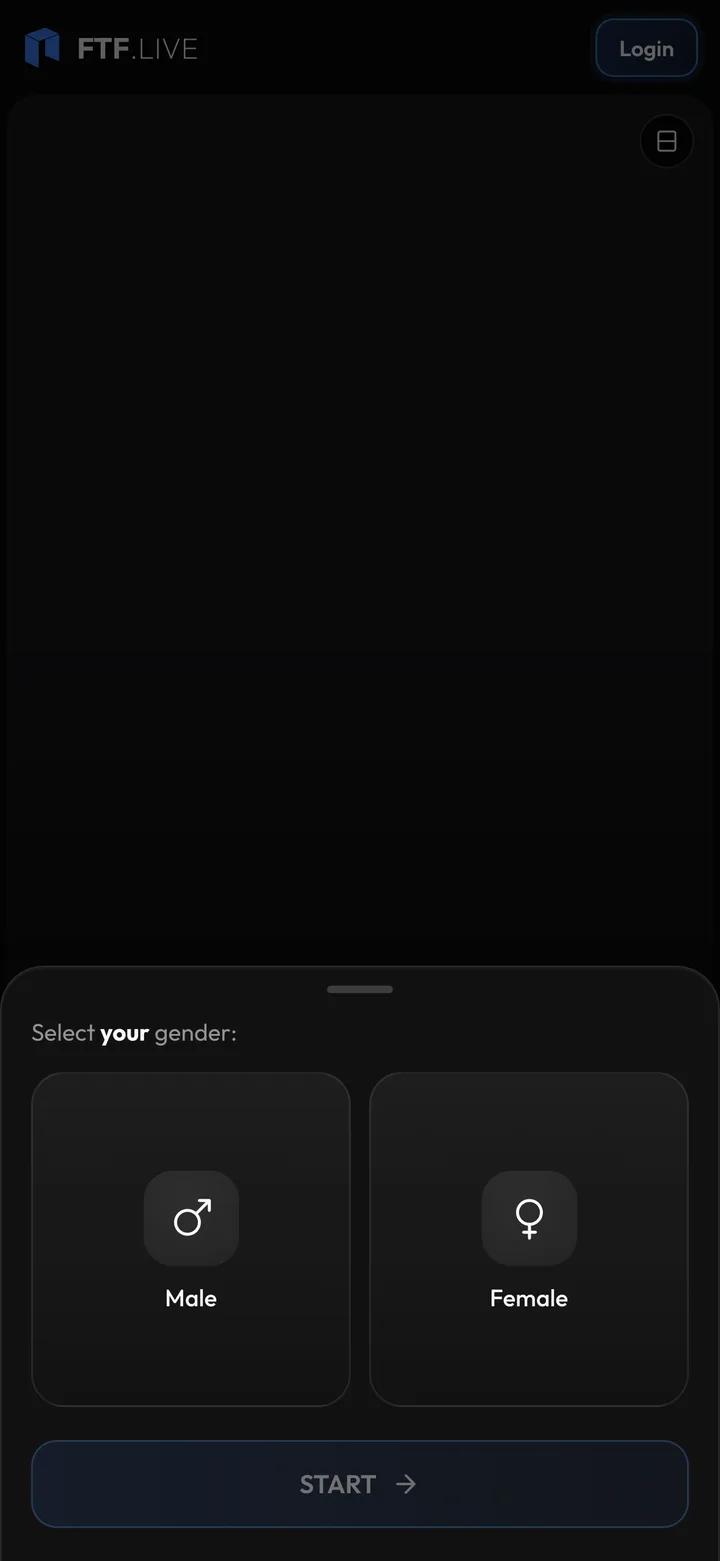
If you haven't logged in, the first time you press START a small window opens with Select your gender: and the choices Male and Female. Choose one, then press START again. This creates a guest account on this device. Guest access isn't always available. If it isn't, the Login window opens instead; see Create an account and sign in.
4. Wait for your match
You'll see Finding someone for you. This usually takes a few seconds. When someone is found, Connecting… appears while the video starts. To learn how people are paired, read How matching works.
During a chat
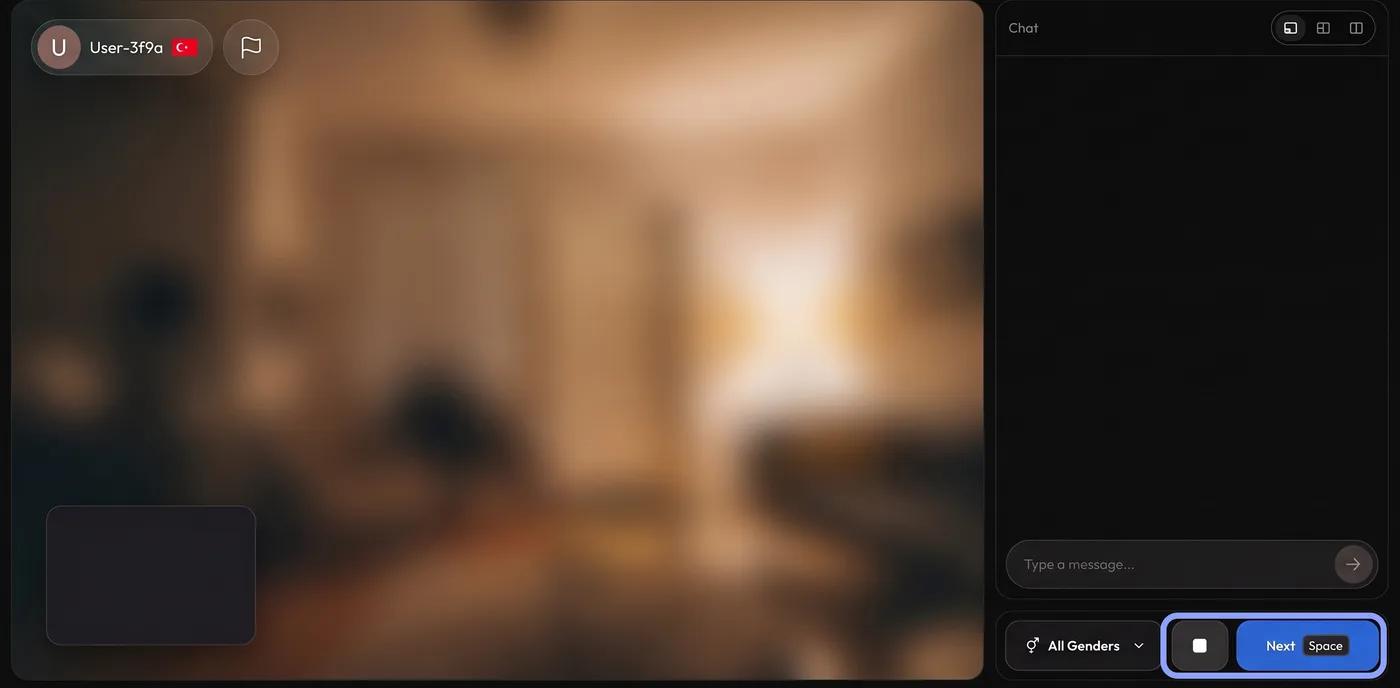
- Next ends the chat and looks for someone new. It becomes active about 2 seconds after a chat starts. On a computer, press Space. On a phone, swipe left.
- Stop, the button with the square icon, ends the chat and stops searching. On a computer, you can also press Esc.
- If the other person leaves, a new search starts by itself.
- You can send text messages of up to 100 characters.
If you step away
If you don't touch the mouse, keyboard or screen for a while, Are you still here? appears with a 60-second countdown. Press I'm still here to stay. Otherwise you're disconnected once 10 minutes have passed without activity, and Disconnected from the server! appears. Press Reconnect to come back.