How to become a webmaster
Anyone can become a webmaster. It's free and self-serve: there's no application and no approval to wait for. Your FTF.live account, the one you sign in to with Google, becomes your webmaster account, and each account can have one business.
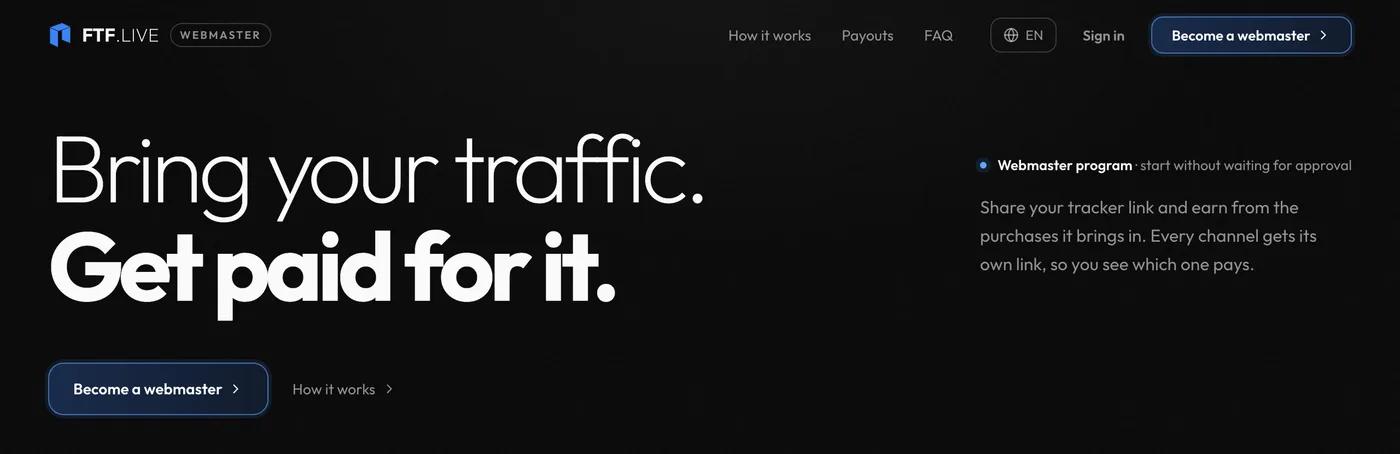
Sign up in three steps
Open the webmaster page and press Become a webmaster. If the button reads Open dashboard instead (for example because you've used FTF.live in this browser before), press it: it takes you through the same steps until you've created your business.
1. Sign in
Press Login with Google and choose your Google account. There's no separate webmaster password.
2. Create your business
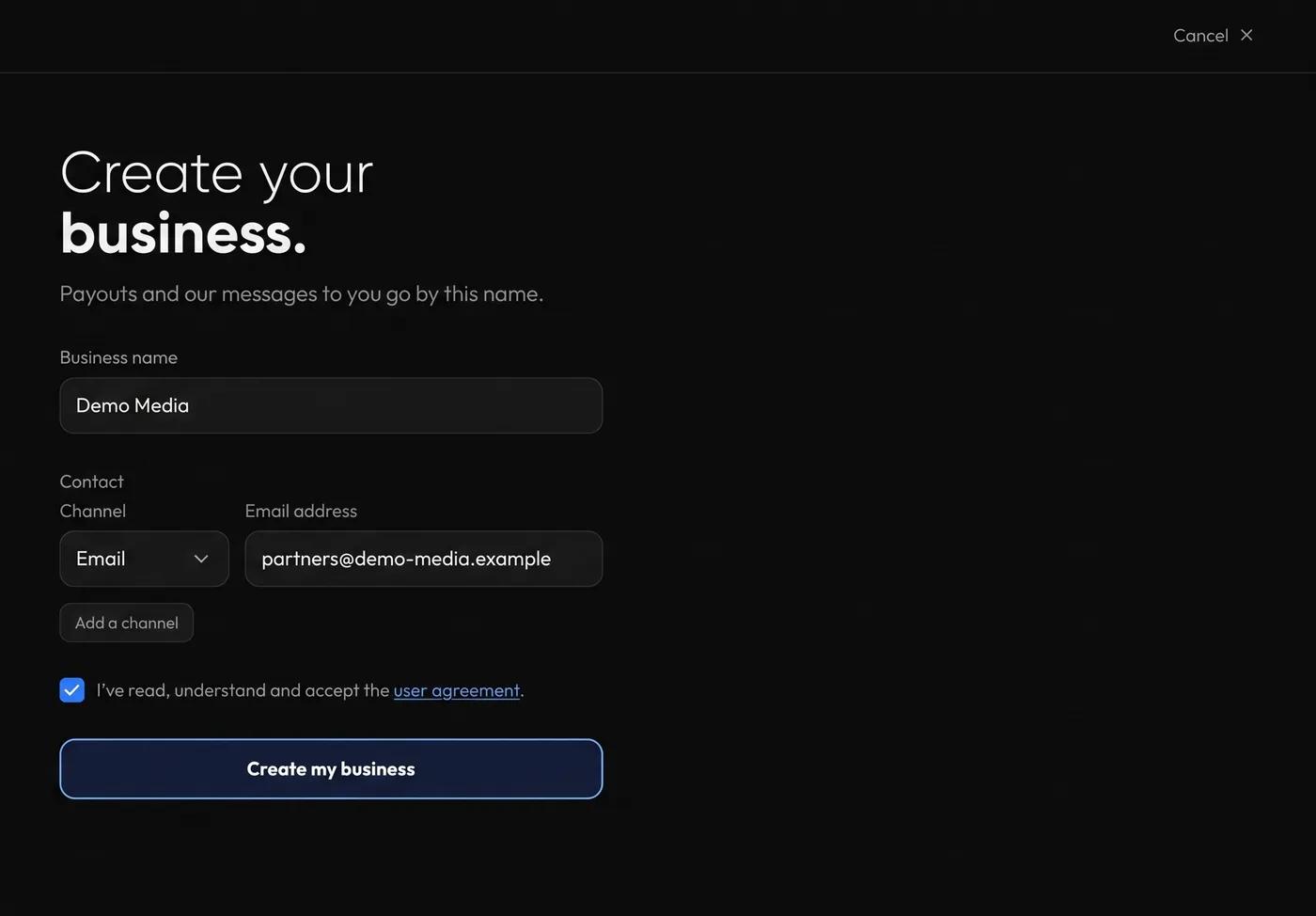
Fill in the form:
- Business name: payouts and our messages to you go by this name.
- Contact: choose Email, Phone or Skype and enter how we can reach you. Add a channel adds another row.
- Tick I've read, understand and accept the user agreement.
Then press Create my business.
3. Get your first link
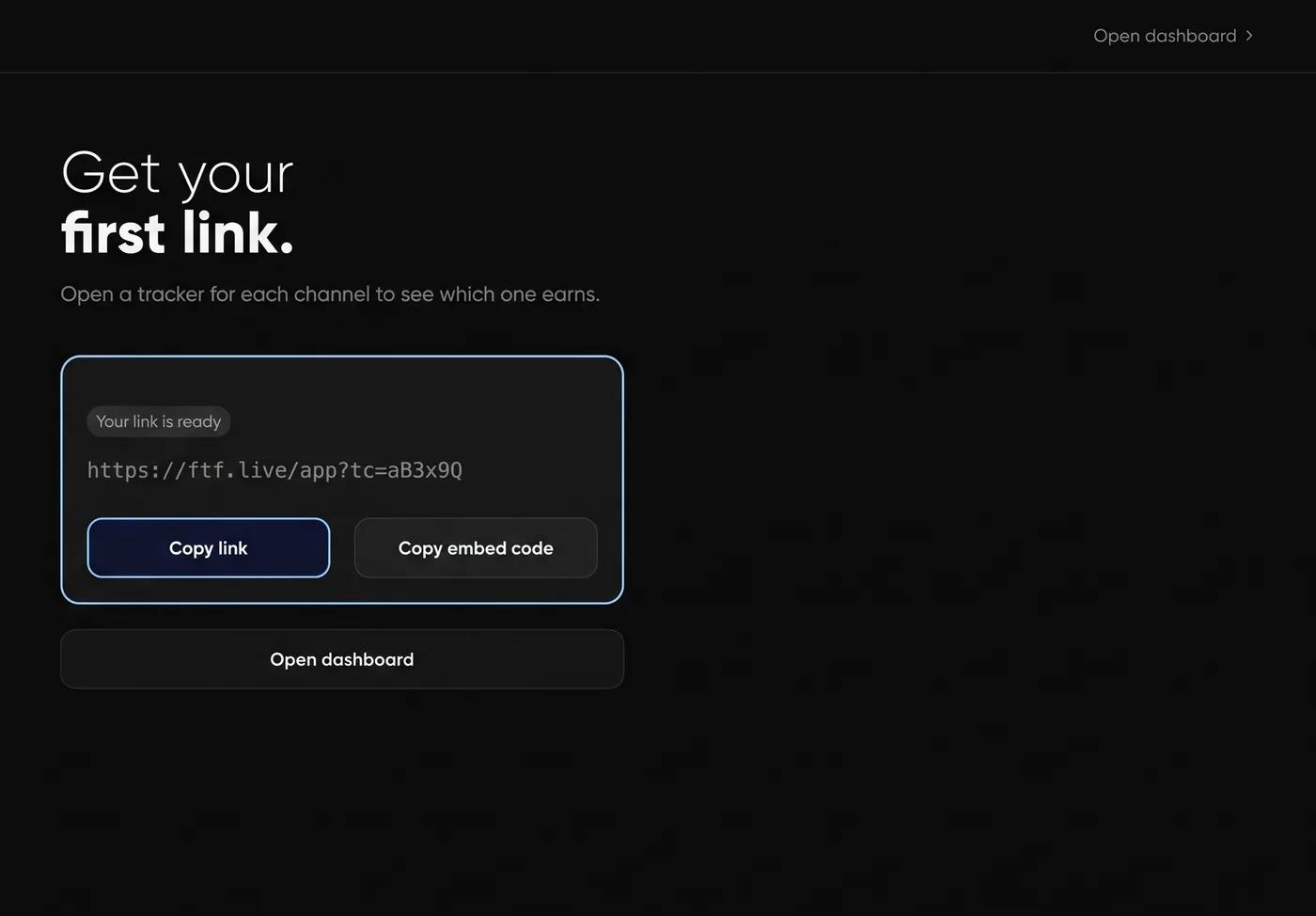
Type a name in Tracker name, for example the channel you'll share the link on, and press Create link. When you see Your link is ready, you can:
- press Copy link to share the link;
- press Copy embed code to put FTF.live on your site;
- press Open dashboard to go to your panel.
Not ready yet? Press Skip for now and create a tracker later in the panel.
Your webmaster panel
The panel has four sections:
- Overview: your balance, your earnings and your trackers at a glance.
- Trackers: one link per channel, each with its own stats.
- Payouts: your payout methods, your requests and their history.
- Settings: your business name and your contact details.
Next, read Create a tracker link, Embed FTF.live on your site and How webmaster earnings work.