Create a tracker link
A tracker is a named link that credits you for the purchases of the visitors it brings. Create one tracker per channel, such as your blog, a Telegram group or a YouTube channel, so you can see which one earns.
Create a tracker
- Open TrackersIn your webmaster panel, go to Trackers and press New tracker.
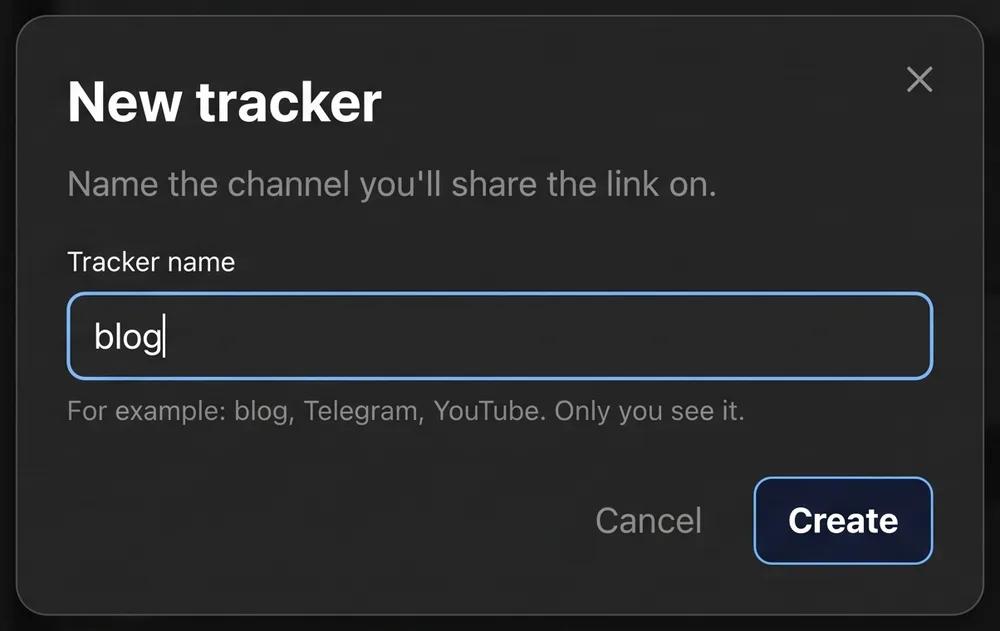
- Name itType a name in Tracker name, for example the channel you'll share the link on. Only you see this name.
- Create itPress Create. Your new tracker is ready right away.
When it's ready, press Copy link to copy the link, or Copy embed code to copy the code for your site. Go to tracker opens the tracker's own page.
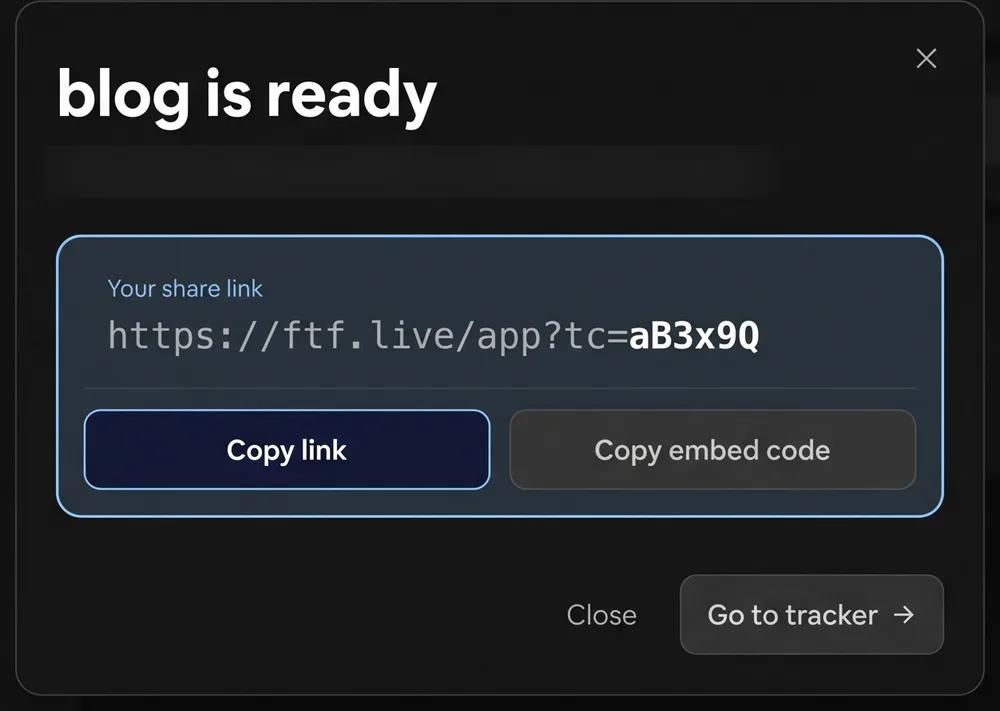
What the link looks like
Every tracker link has this form, starting with https and ending with your own code:
ftf.live/app?tc=CODE
- The code is 6 characters long and case-sensitive:
aB3x9QandAB3X9Qare different codes. Copy the link rather than typing it. - Keep the
/apppart. A home page address with?tc=added doesn't credit you, because the home page ignores the code.
How credit works
- When someone opens your link, their browser saves your tracker code.
- Purchases made later in that browser are credited to the tracker whose link they opened most recently. If they open another tracker's link afterwards, the newer link takes over.
- The registrations chart on a tracker's page counts new sign-ups through your link. Earnings come from purchases only: see How webmaster earnings work.
Your tracker's page
Open a tracker from Trackers to see its link, its embed code, its earnings (Today, This week, This month and Total), its registrations chart and a Daily earnings table.
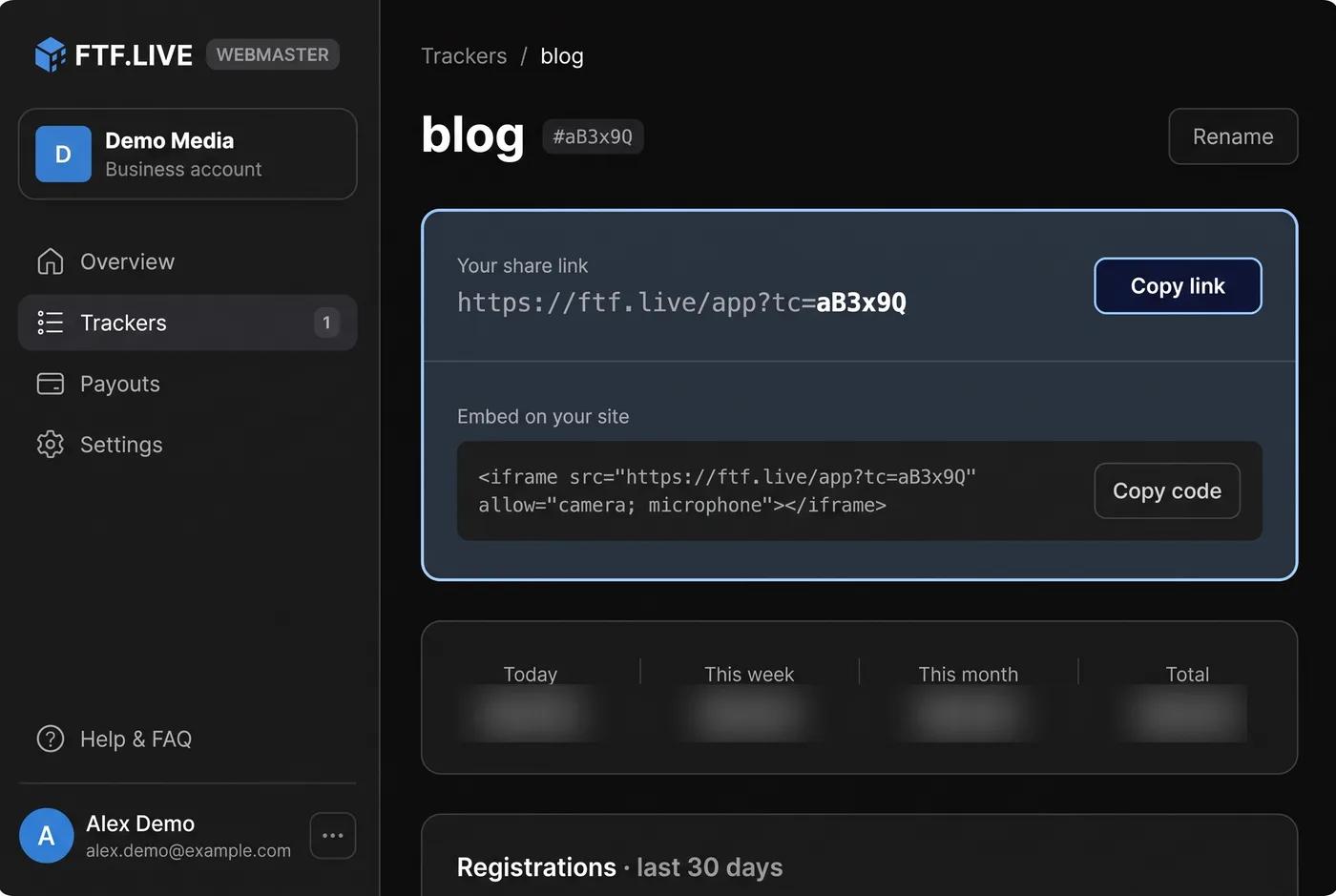
To rename a tracker, press Rename on its page. The link and code stay the same. Trackers can't be deleted, so a tracker you no longer use stays in your list.
Using trackers in ads
If you run ads, create a separate tracker for each campaign or channel and use that tracker's link as the ad's destination. Each tracker shows its own earnings, so you can compare your campaigns.