How to buy Premium
You can buy Premium right inside FTF.live: choose a plan, pay in the checkout window, and Premium starts as soon as the payment goes through. It's a one-time payment, so there's nothing to cancel later.
Before you start
Sign in with Google first. Premium belongs to your account, and some payment methods need your account's email address. If you're chatting as a guest, FTF.live asks you to sign in before it opens the checkout. See Create an account and sign in.
Open the Premium window
There are two ways in:
- On a computer: select Buy Premium at the top of the app. The button shows only while you don't have Premium.
- On any device: select your profile picture at the top of the app to open Settings, go to Subscription, then select Get Premium.
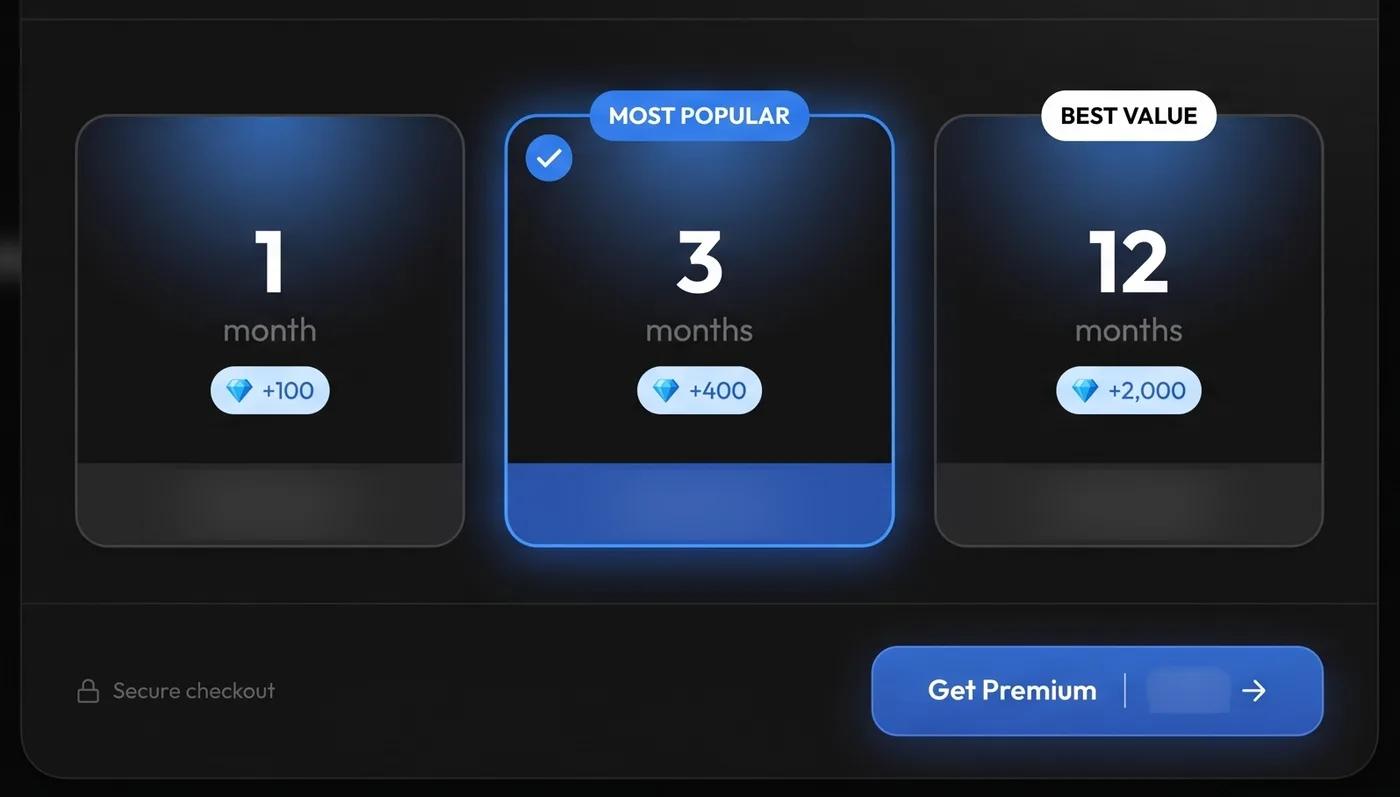
The window shows the plans as cards. Each card shows how long Premium lasts, how many diamonds it includes and the price. Tags such as Most popular and Best value help you compare.
Choose a plan and pay
- Pick a planSelect the card you want. The selected card is highlighted.
- Select Get PremiumThe CHECKOUT window opens inside FTF.live and shows the payment provider's page.
- PayEnter your payment details and finish any check your bank asks for, such as a text-message code or an approval in your banking app.
- Keep your payment IDThe result screen says Payment is successful and shows your payment ID under it. Copy it or take a screenshot, then select Continue.
You'll also see You are subscribed!. Premium is now active.
The plan's diamonds are added to your balance once, when the payment goes through.
Check your Premium
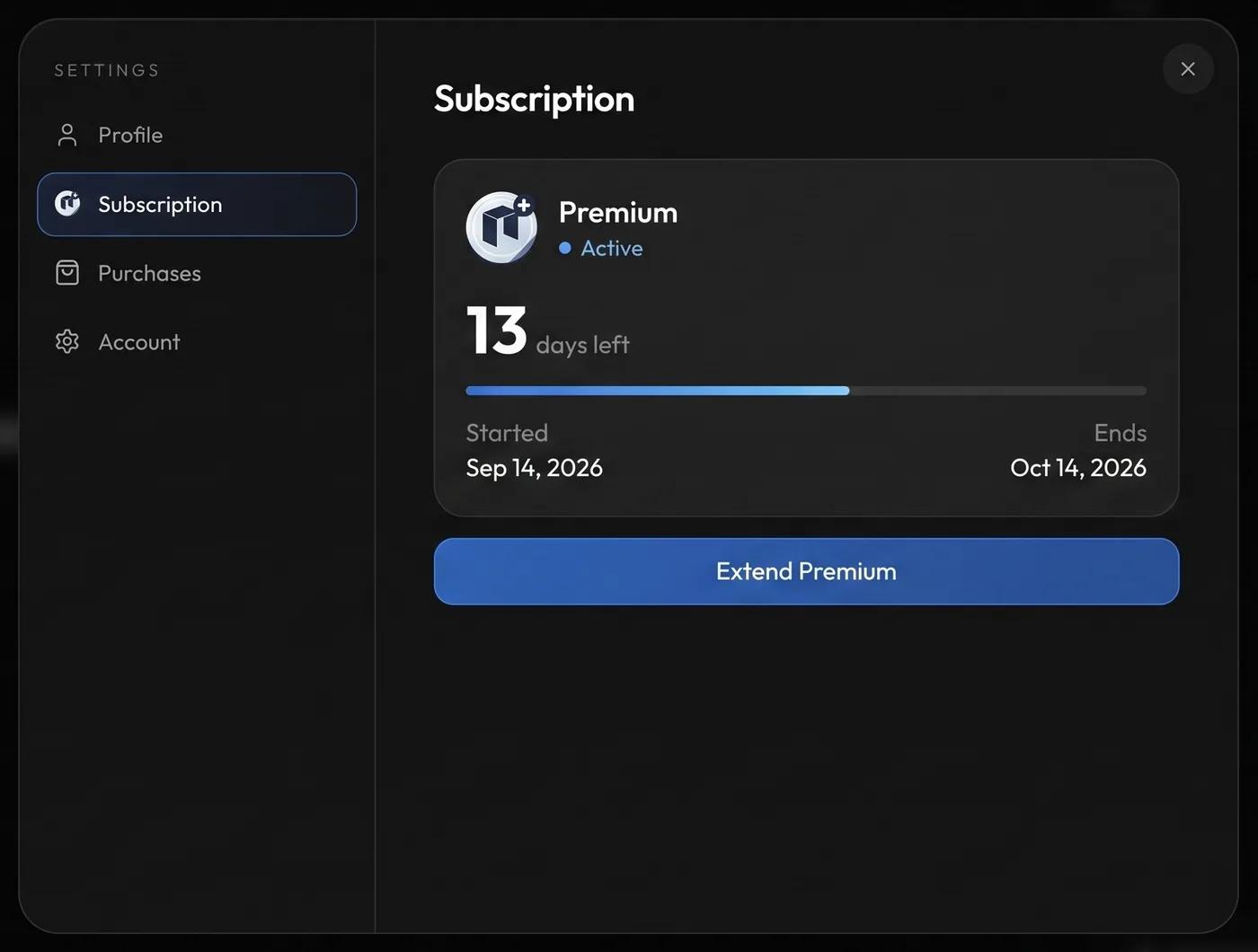
Open Settings → Subscription. You'll see Active, the days left, and the Started and Ends dates.
Good to know
- Buying again adds time. If your Premium is still active, select Extend Premium in Subscription. The new plan's time is added to your current end date.
- Your bank may show another currency. Plans are listed in US dollars, but depending on your country the payment is charged in US dollars or in Turkish lira (TRY), so your bank statement may show a different amount.
- No automatic renewal. Your card is never charged again on its own. Read more in What is Premium?.
If the checkout ends with an error, see Why did my payment fail?. If you paid but Premium didn't arrive, see I paid, but I didn't get my Premium or diamonds.