What are diamonds, and how do I get more?
Diamonds are FTF.live's in-app currency. You spend them on gender-filtered matches and on gifts, and you need active Premium to use them.
What diamonds are for
- Filtered matches. With Only Female or Only Male, each match uses 5 diamonds, taken when the match starts. Matching with All Genders uses none. See How the gender filter works.
- Gifts. Sending a gift during a chat, with Send Gift, costs diamonds.
You can spend diamonds only while your Premium is active. Premium plans include diamonds, and each plan card shows how many, so most people start there: see What is Premium?
See your balance
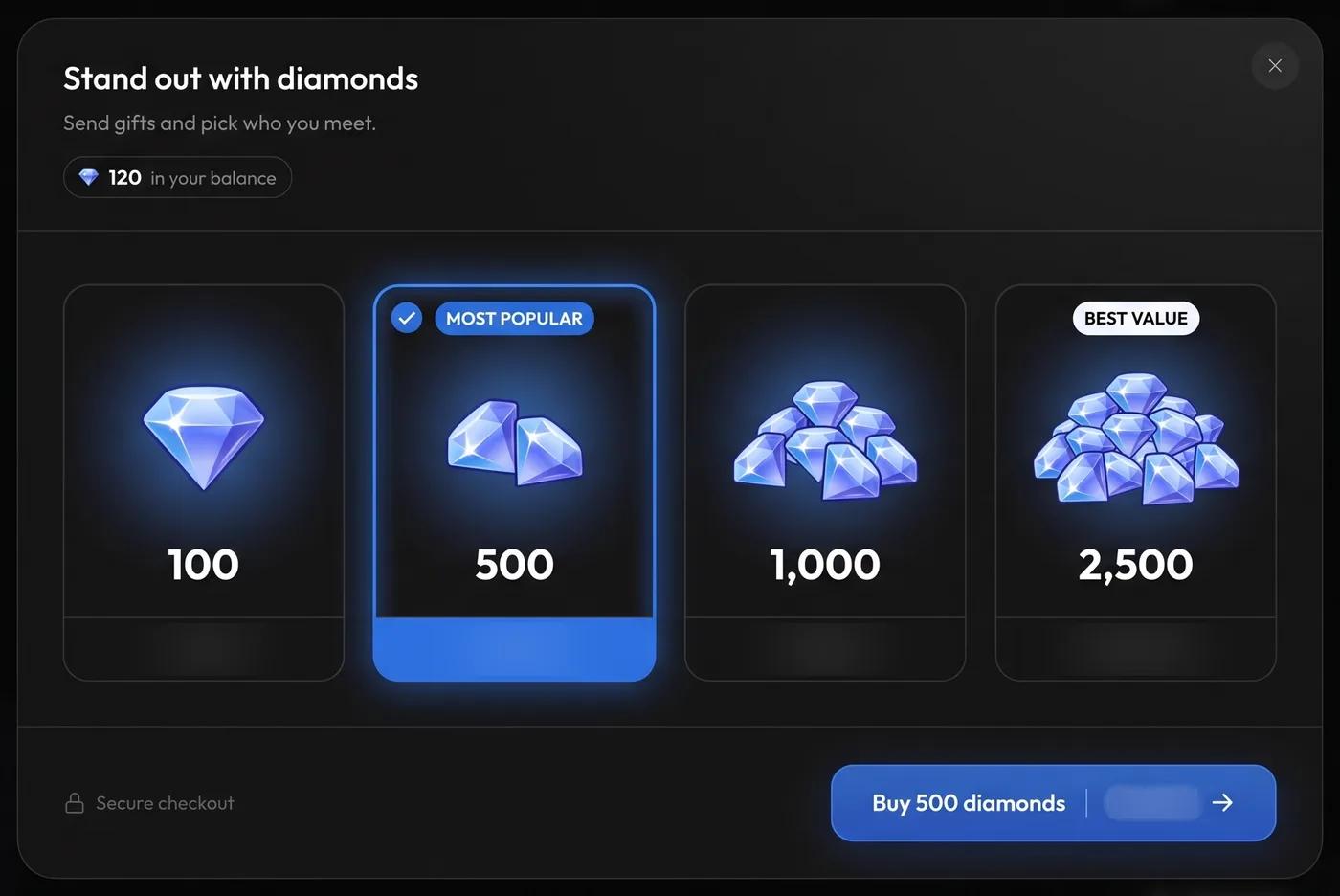
As a Premium member, you'll see a diamond button at the top of the app with your current number of diamonds. The diamond window shows the same number next to in your balance.
Buy more diamonds
- Open the diamond windowSelect the diamond button at the top of the app. If you run out while looking for a filtered match, you'll see You don't have enough credits to continue. and the window opens by itself.
- Choose a packThe window is called Stand out with diamonds and shows the packs as cards. Select the one you want.
- PaySelect the Buy … diamonds button, which shows the size of the pack you picked. The CHECKOUT window opens, where you pay.
When the payment goes through, you'll see Payment is successful with your payment ID, and Your diamonds have been added to account!. Keep the payment ID in case you need to contact us.
Good to know
- Sign in with Google to buy. If you're chatting as a guest, FTF.live asks you to sign in first. See Create an account and sign in.
- Diamonds belong to the account that bought them. They can't be moved to another account.
- Paid, but no diamonds? See I paid, but I didn't get my Premium or diamonds.
Was this helpful?