How to remove a ban
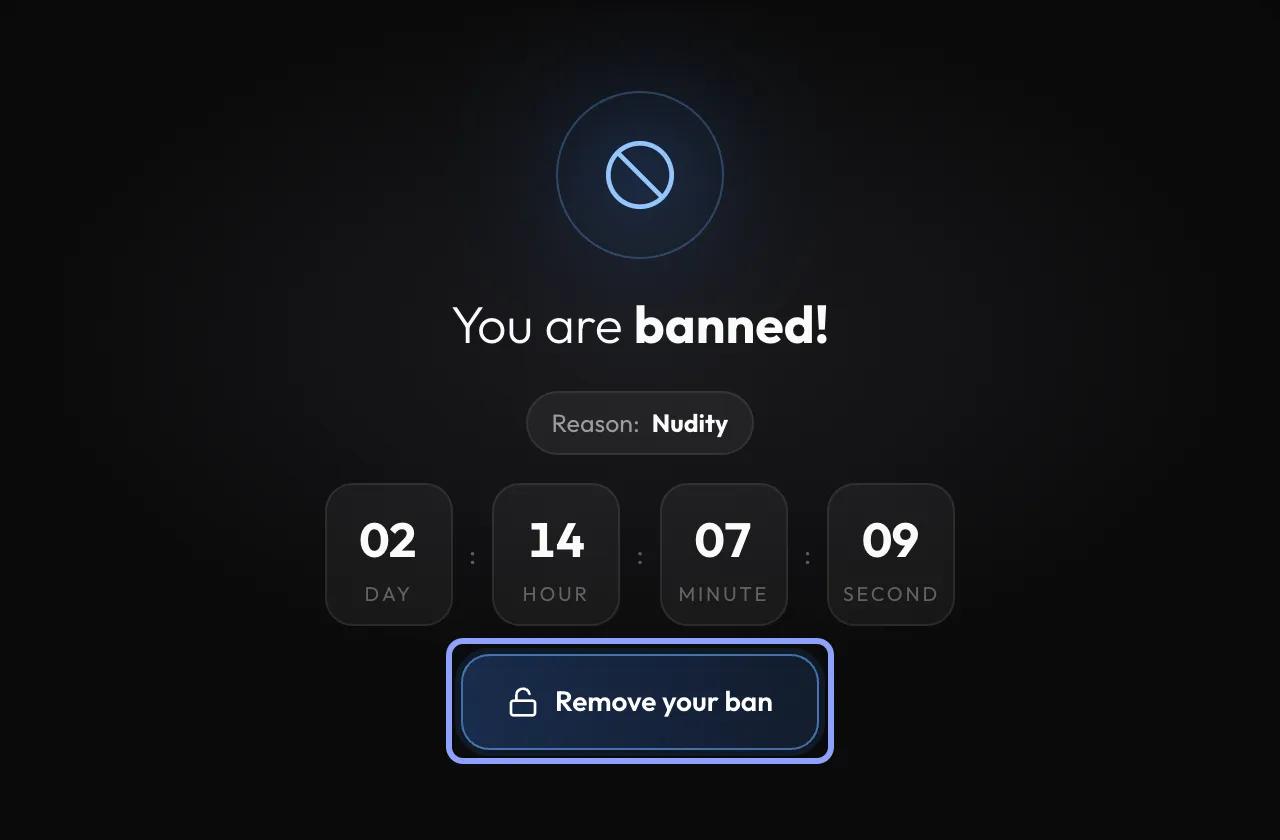
If your ban screen shows Remove your ban, it offers to remove the ban for a one-time payment. If the button isn't there, see the last section of this article.
Remove your ban
1. Tap Remove your ban
On the ban screen, tap Remove your ban.
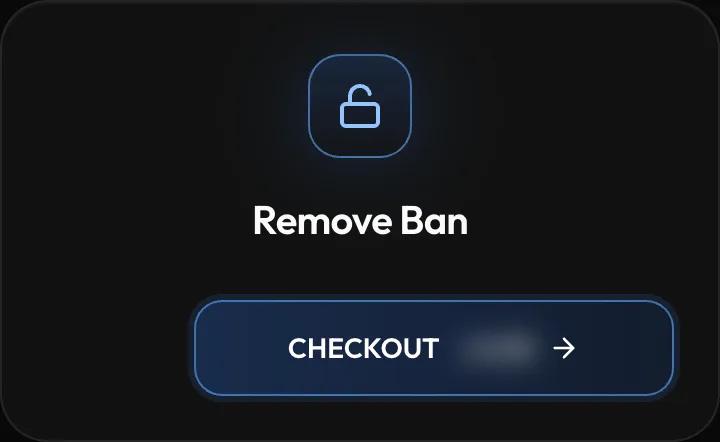
2. Press CHECKOUT
The Remove Ban window opens. The CHECKOUT button shows the price. Press it. If you aren't signed in, you're asked to sign in first.
3. Pay
The checkout opens inside FTF.live. Complete the payment there. It's a single payment, not a subscription.
4. After the payment
When the payment goes through, you see Your ban has been removed. When the ban is lifted, "You have been unbanned! Page will be reloaded in 3 seconds." follows and the page reloads.
If the payment didn't work
- The payment failed: see Why did my payment fail?
- You paid, but the ban screen is still there: contact us and include the payment ID shown after the payment.
No Remove your ban button
The button only appears when removing a ban is offered. Without it:
- Temporary ban: wait. When the countdown ends, the ban ends by itself.
- You think the ban is a mistake: see I think I was banned by mistake.
Warning: Don't open new accounts to get around a ban. A ban can also apply to your device or network, so a new account on the same device can be banned too.
Was this helpful?